

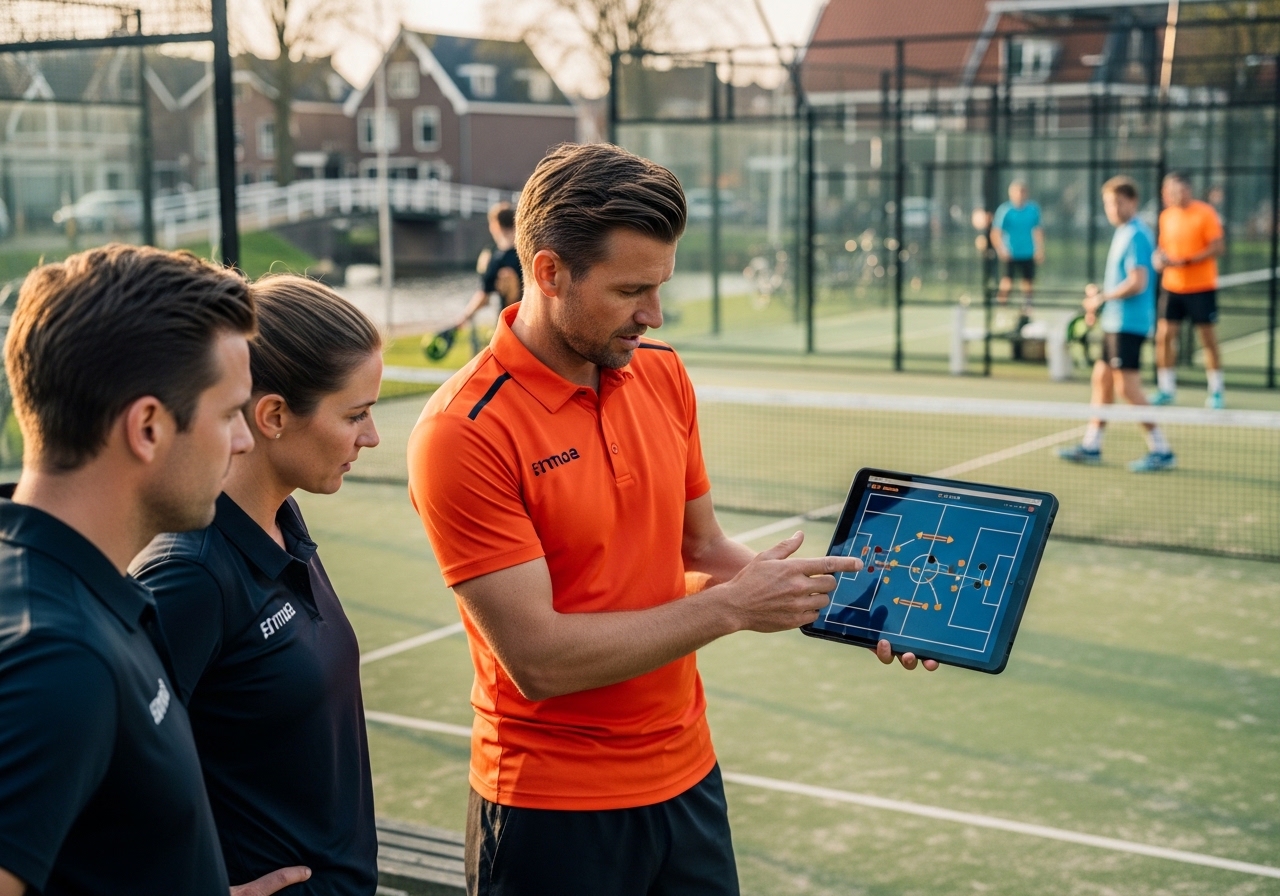
Visual lesson designer
Design visual padel drills on an interactive canvas with a court view. Save them to your library, combine several drills per lesson and export everything as a professional PDF.
About this feature
What does Visual lesson designer do?
The Visual Lesson Creator gives instructors a distinctive tool for building and sharing lesson material. On an interactive canvas with a court view you draw arrows, positions and movement patterns. Each lesson can contain several canvases for consecutive drills. Done? Export the lesson as a PDF and share it with your instructors or players. Frequently used drills go into the library so you can reuse and adapt them easily.
Who it's for
Who benefits
- Instructors who want to standardise lesson material
- Clubs that want to share drills
- Coaches who want to give players visual feedback
- Trainers who want to produce professional lesson material
How it works
How does it work?
Open the canvas
Start a new lesson and open the canvas. Choose a court layout and begin drawing positions and movement patterns.
Design drills
Add several canvases for consecutive drills. Save frequently used variants to your personal library.
Export & share
Export the complete lesson as a PDF and share it with instructors through chat, or send it straight to players.

“My players understand the drills straight away now — one look at the drawing and everyone knows what's expected.”
— Administrator, Dutch padel school
Free demo
See this in your personal demo
In a 30-minute demo you'll see how Visual lesson designer works for your specific situation. We'll show you live how to save more time and serve your players better.
- A personal walkthrough, tailored to you
- All your questions answered
- No commitment or card required
- Scheduled within 1 working day
Available in
Premium module — available on the Gold plan
We reply within 1 working day